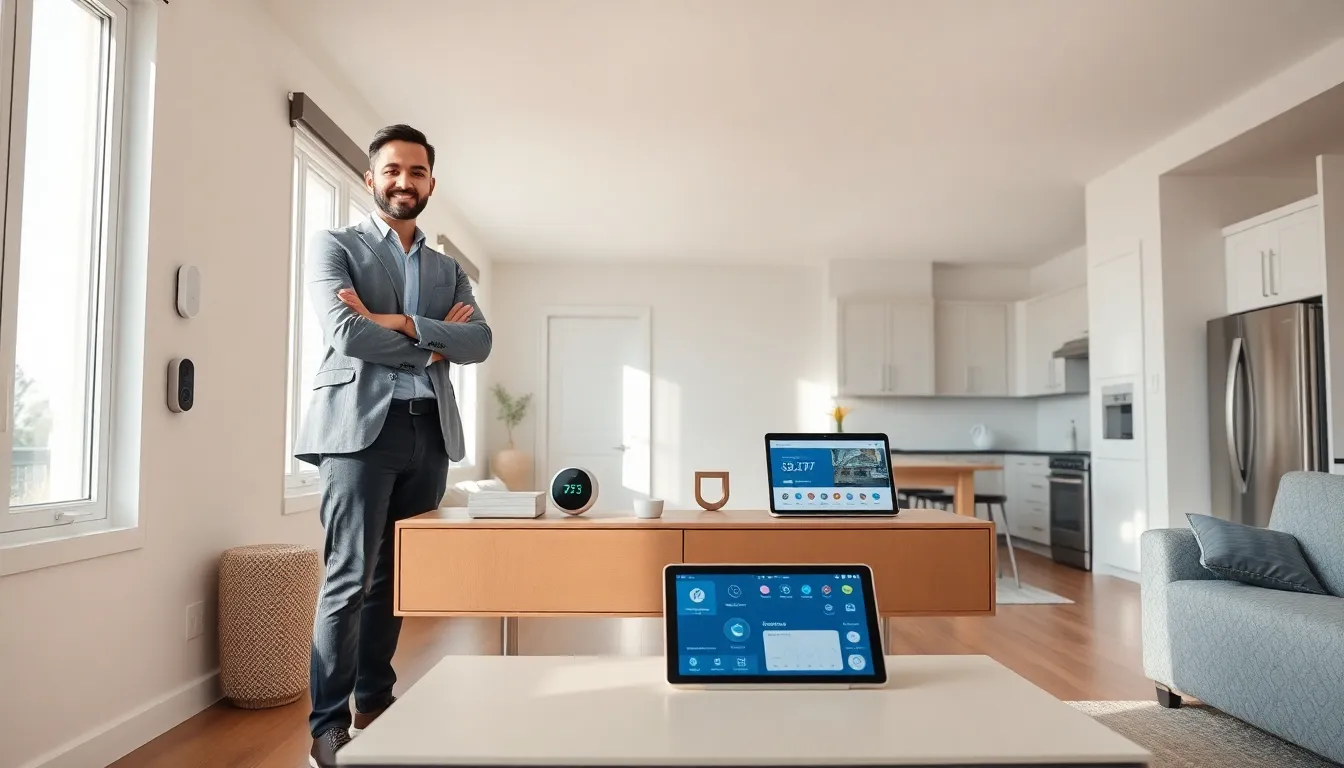
The internet of things for beginners starts with a simple idea: everyday objects can connect to the internet and communicate with each other. A thermostat learns your schedule. A doorbell shows who’s outside. A refrigerator alerts you when milk runs low. These connected devices already exist in millions of homes.
IoT technology has grown from a tech buzzword into something practical and accessible. By 2025, experts estimate over 75 billion IoT devices will be active worldwide. That’s roughly nine devices for every person on Earth. Understanding how this technology works gives beginners a clear advantage in choosing the right devices and using them effectively.
Table of Contents
ToggleKey Takeaways
- The internet of things for beginners centers on everyday objects—like thermostats, doorbells, and appliances—that connect to the internet and communicate with each other.
- IoT devices follow a simple cycle: collect data through sensors, connect to a network, compute information in the cloud, and act by triggering responses.
- Start your IoT journey by choosing one platform (Amazon Alexa, Google Home, or Apple HomeKit) and buying one or two affordable devices like smart plugs or speakers.
- Smart home technology offers real benefits including convenience, 10-15% energy savings, enhanced safety, and health monitoring through wearables.
- Security and privacy are legitimate concerns—always change default passwords, keep firmware updated, and consider a separate WiFi network for IoT devices.
- Understanding the internet of things for beginners becomes intuitive through hands-on experience, so let actual needs guide your device purchases rather than novelty.
What Is the Internet of Things?
The Internet of Things refers to physical objects embedded with sensors, software, and connectivity that allow them to exchange data over the internet. These aren’t computers or smartphones, they’re ordinary items made smarter through technology.
Think about it this way: a regular coffee maker brews coffee when you press a button. An IoT coffee maker brews coffee when your morning alarm goes off, your sleep tracker confirms you’re awake, or you send a voice command from bed. The device receives information, processes it, and takes action without direct human intervention.
IoT devices share three core characteristics. First, they contain sensors that collect data, temperature, motion, sound, or location. Second, they connect to the internet through WiFi, Bluetooth, or cellular networks. Third, they use software to analyze data and perform specific functions.
The term “Internet of Things” was coined by Kevin Ashton in 1999 while working at Procter & Gamble. He imagined computers gathering their own information about the physical world. That vision now shapes how people live, work, and interact with technology daily.
How IoT Devices Work
IoT devices follow a straightforward process: collect, connect, compute, and act.
Collect: Sensors gather information from the environment. A smart smoke detector measures air particles. A fitness tracker monitors heart rate. A soil sensor checks moisture levels in a garden.
Connect: The device transmits this data through a network. Most home IoT devices use WiFi. Wearables often rely on Bluetooth. Industrial sensors might use specialized protocols like Zigbee or LoRaWAN for longer ranges and lower power consumption.
Compute: The data reaches a cloud platform or local hub where software processes it. This step involves comparing current readings against thresholds, identifying patterns, or running machine learning algorithms. The internet of things for beginners becomes easier to grasp when you understand this central processing step.
Act: Based on the analysis, the system triggers a response. It might send you a notification, adjust a setting automatically, or activate another connected device.
Here’s a practical example. A smart thermostat collects temperature readings every few minutes. It sends this data to a cloud server. The software compares current conditions against your preferred settings and your historical usage patterns. The system then adjusts heating or cooling to maintain comfort while saving energy.
This cycle happens continuously across all IoT devices, creating an ecosystem where objects work together seamlessly.
Common Examples of IoT in Everyday Life
IoT devices have become surprisingly common. Here are categories beginners encounter most often:
Smart Home Devices
- Voice assistants like Amazon Echo and Google Nest respond to commands and control other devices
- Smart thermostats such as Nest and Ecobee learn preferences and optimize energy use
- Video doorbells from Ring and Eufy show visitors and record footage
- Smart locks allow keyless entry and remote access control
Wearable Technology
- Fitness trackers monitor steps, heart rate, and sleep quality
- Smartwatches display notifications and track health metrics
- Medical wearables measure glucose levels or detect irregular heart rhythms
Connected Appliances
- Smart refrigerators track food inventory and suggest recipes
- Robot vacuums clean floors on schedules or via app control
- Washing machines send alerts when cycles complete
Transportation
- Connected cars provide GPS navigation, diagnostics, and emergency services
- Fleet tracking systems monitor vehicle locations for businesses
- Electric vehicle chargers optimize charging based on electricity rates
The internet of things for beginners often starts with one device. Most people buy a smart speaker or smart plug first. These entry points require minimal setup and demonstrate IoT benefits quickly.
Benefits and Challenges of IoT
IoT technology offers clear advantages but comes with legitimate concerns.
Benefits
Convenience: Automate routine tasks. Lights turn on when you arrive home. Coffee brews before you wake up. Packages get monitored without checking the door repeatedly.
Energy Savings: Smart thermostats reduce heating and cooling costs by 10-15% on average. Smart plugs eliminate phantom power draw from idle electronics.
Safety: Water leak sensors detect problems before major damage occurs. Smoke detectors send alerts to your phone even when you’re away.
Health Monitoring: Wearables track vital signs and activity levels. Some devices alert users, and their doctors, to potential health issues.
Challenges
Security Risks: Connected devices create entry points for hackers. Weak passwords or outdated firmware leave systems vulnerable. In 2016, the Mirai botnet hijacked millions of IoT devices to launch massive cyberattacks.
Privacy Concerns: IoT devices collect significant personal data. Where you go, what you say, when you sleep, this information has value, and not everyone handles it responsibly.
Compatibility Issues: Devices from different manufacturers don’t always work together smoothly. Standards like Matter aim to improve interoperability, but fragmentation persists.
Reliability: Internet outages disable many IoT functions. Cloud service disruptions can render expensive devices temporarily useless.
Beginners should weigh these factors carefully before building out their IoT setup.
Getting Started With IoT at Home
Starting with IoT doesn’t require technical expertise or a large budget. Follow these practical steps:
1. Choose a Platform
Pick an ecosystem before buying random devices. Amazon Alexa, Google Home, and Apple HomeKit each offer different strengths. Amazon has the widest device compatibility. Google excels at search integration. Apple prioritizes privacy. Stick with one platform initially to avoid frustration.
2. Start Small
Buy one or two devices first. Smart plugs cost under $15 and let you control any lamp or appliance remotely. A smart speaker serves as a central hub and voice interface.
3. Secure Your Network
Change default passwords immediately. Create a separate WiFi network for IoT devices if your router supports it. Keep firmware updated. These steps protect against most common threats.
4. Expand Gradually
Add devices that solve real problems. Forgetting to adjust the thermostat? Get a smart one. Worried about packages? Install a video doorbell. Let actual needs guide purchases rather than novelty.
5. Learn Automation
Once you have several devices, create routines. “Good morning” could open blinds, start coffee, and read your calendar. “Leaving home” might lock doors, turn off lights, and lower the thermostat.
The internet of things for beginners becomes intuitive with hands-on experience. Each device teaches something about how connected systems work together.